
Quick answer: is Peptide Forum Hub an app now?
Yes. Peptide Forum Hub can now be installed on your phone, tablet, or computer as an app. It opens full screen from its own icon, with no browser address bar, and it takes a few seconds to set up. There is nothing to download from an app store, and it is free.
Key Takeaways
- The forum is now an installable web app (a progressive web app), so it works on Android, iPhone, iPad, and desktop.
- Installing takes two taps: look for the Install App button on the site, or use your browser menu.
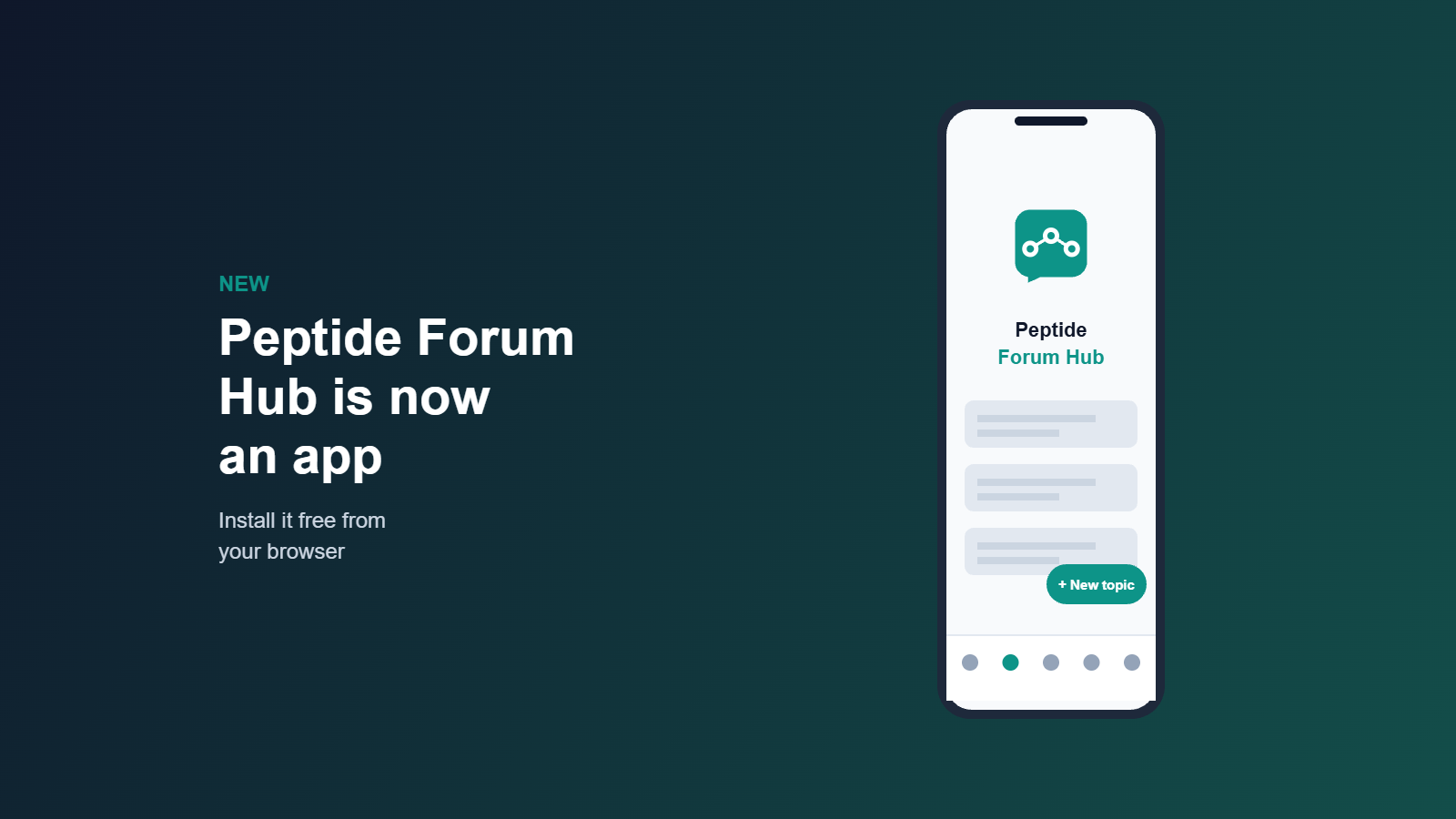
- The mobile layout has a new bottom navigation bar, a floating New topic button, and larger tap targets.
- Your account, posts, and subscriptions are the same as on the website. The app is simply a faster way to open it.
Why we made the forum an app
Most people read the forum on their phones. Research threads tend to be long, and people check them in short bursts: between work, after a study drops, or when a reply notification comes in. Opening a browser, finding the bookmark, and scrolling to the right category added friction. An app icon on your home screen removes most of it.
We chose a web app instead of a traditional store app for a practical reason. It stays in sync with the website automatically, so every new category, guide, and forum feature appears right away with no update to install. It also uses very little storage space.
How to install it

Android (Chrome): Open peptideforumhub.com, tap the Install App button in the bottom corner, or open the three-dot menu and choose Install app (some versions say Add to Home Screen).
iPhone and iPad (Safari): Apple only allows installs from Safari. Tap the Share button, scroll down, and choose Add to Home Screen, then tap Add. The Install App button on the site will show you these steps too.
Desktop (Chrome or Edge): If your browser offers it, click the install icon at the right end of the address bar. Desktop install depends on the browser, so if you do not see the option, the regular website works exactly the same.
If the install option does not appear right away, reload the page once or twice. Browsers offer it only after the site has finished loading its app files.
What is new on mobile
- Bottom navigation bar: Home, Forum, Compounds, New (recent activity), and Profile are always one thumb tap away.
- New topic button: a floating button on forum pages that opens the new-topic form without scrolling back to the top.
- Bigger tap targets: links and buttons are sized for fingers, so you are less likely to open the wrong thread.
- Cleaner profiles: profile tabs scroll sideways and long usernames wrap properly.
- Safer reading: images, tables, and code in posts now stay inside the screen instead of forcing sideways scrolling.
What the app does not do (yet)
To keep expectations clear: the app does not currently send push notifications, and it is not listed in the Apple App Store or Google Play. Email notifications from the forum still work as before. We are looking at private messaging and push notifications for later, once the community has grown enough to make them useful. If there is a feature you would like to see, tell us in the forum.
A reminder about the content
The forum is for research discussion and education only. Nothing posted here is medical advice, and compounds discussed are for laboratory research. Please read our research disclaimer and terms of use before posting.
Try it today
Open the forum on your phone, install it, and let us know how it works on your device. Feedback on layout problems is especially useful, because it helps us fix them for everyone.
Leave a Reply